Bestseller
INTRODUCTION TO COMPUTER
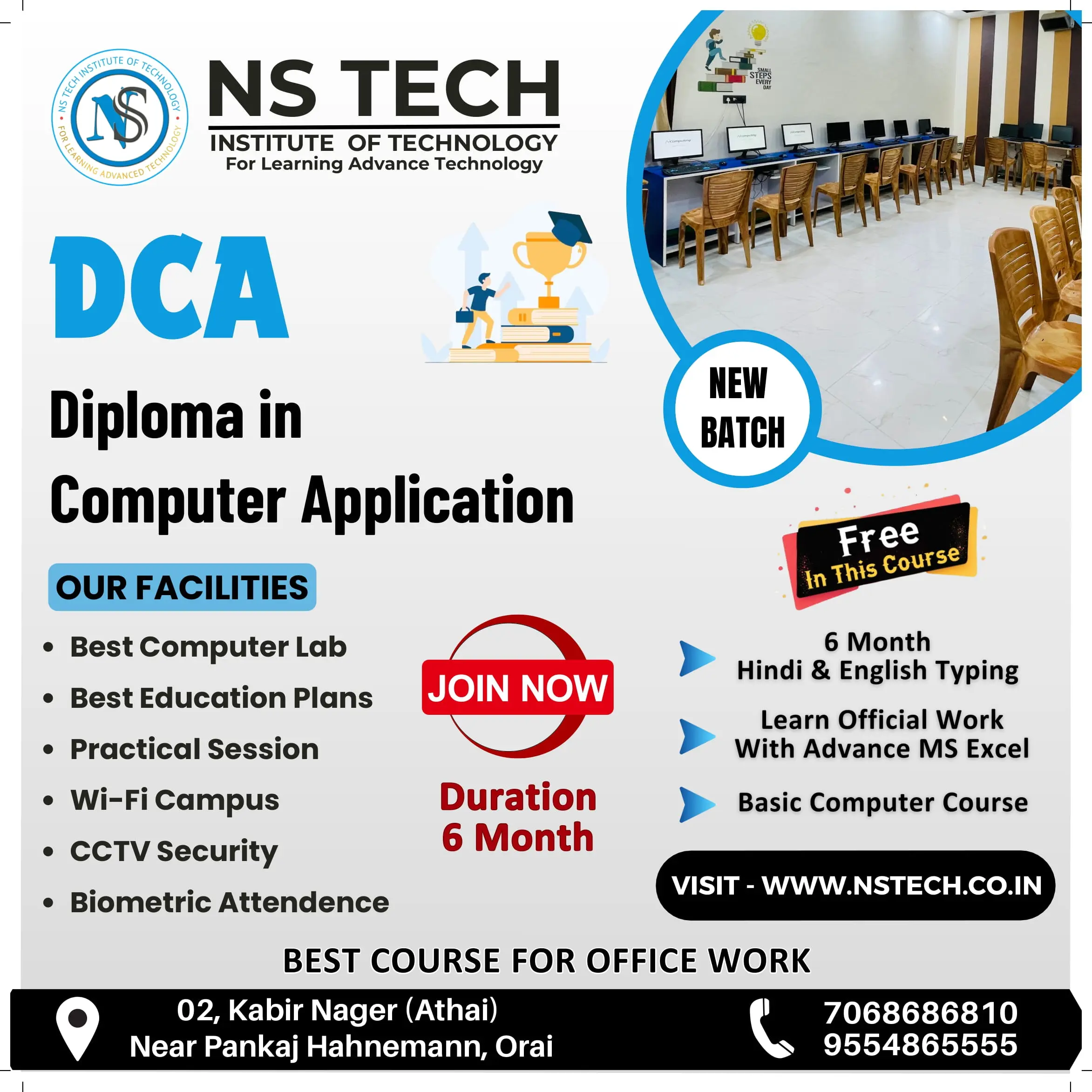
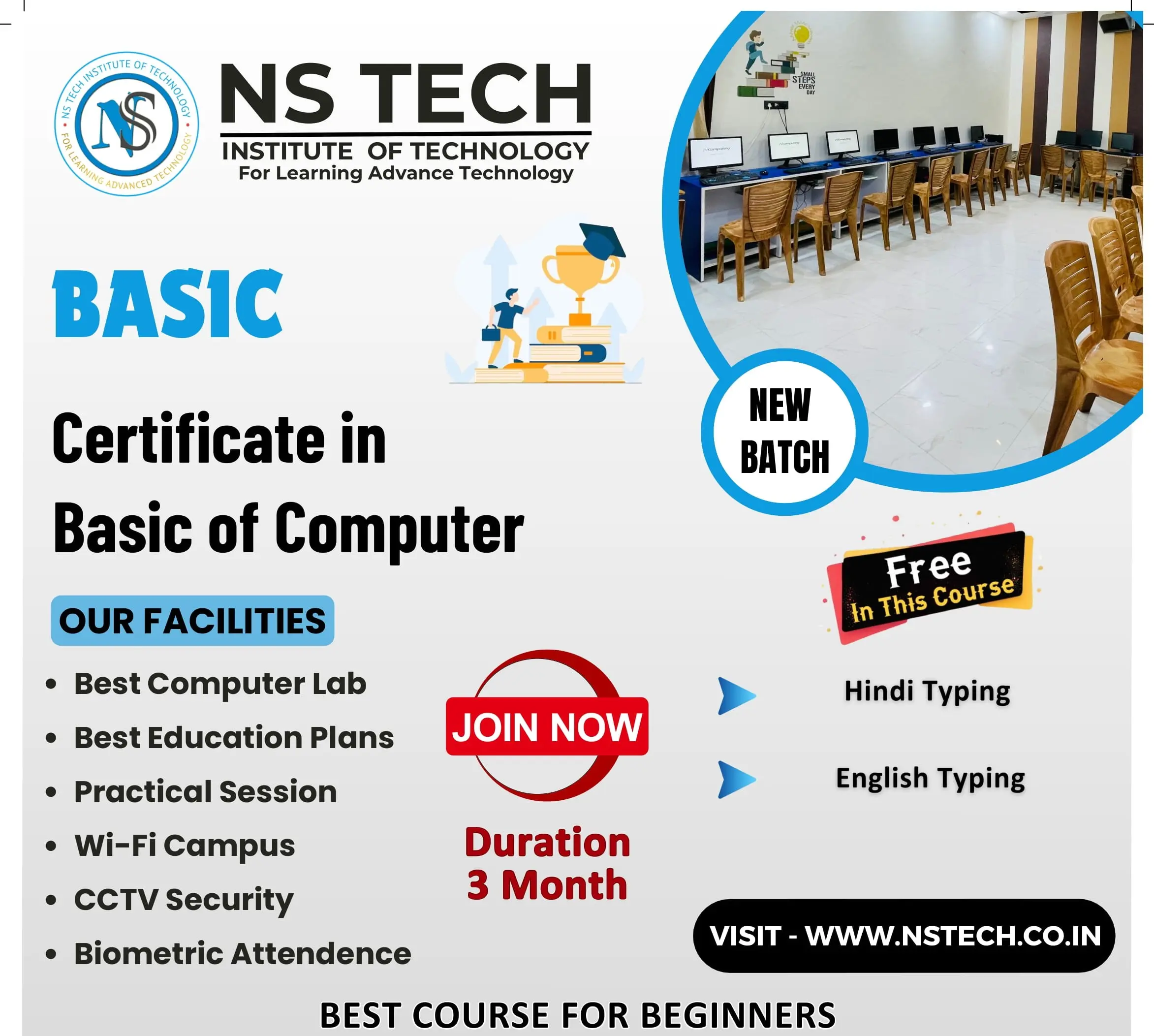
1. Introduction: - What is computer?; History of a computer; Shortcut Keys, Full form of Computer
2. Type of Computer : Based on Mechanism, Based on Size, Based on Purpose
3.Components of PC : Computer System, Computer Hardware and Software
4. Input/Output (I/O) Devices: Input Devices, Output Devices
OPERATING SYSTEM
1.Window 7
2.Window 10
3. Paint, Notepad & Wordpad
INTRODUCTION TO INTERNET
1. History of the WWW
2.LAN WAN & MAN
3. Creating an Email Account.
4. Browsers and search engines.
5. Surfing and searching.
MS OFFICE
1. MS Word: - Create Paragraph, Text Formatting, Change Case, Border, Page Border, Paragraph and Line Spacing, Styles & Editing, Create Table, Chart, Smart Art, Shapes, Hyperlink, Bookmark, Header & Footer, Text Box, Word Art, Object and Text from File, Page Setup, Page, Background, References, Mailings, Comment, Document View, Split Window, Show/Hide, Macro, Protect Document
2. MS Excel: - Introduction of Excel, Insert and Delete (Cells, Rows, Columns and Worksheet), Font, Alignment, Number Formatting, Hide & Unhide (Rows, Columns, Worksheet), Workbook, Worksheet and File Protect, Customization, Data Fill, Merge Cells, Conditional Formatting, Formatting, Split Window, Freeze Panes
EXCEL FORMULAS
Math Function (Sum, Round, Int, Mode) )
Stats Function (Count, Average, Max, Min)
Text Function (Upper, Lower, and Proper)
Logical Function (If),
Sort, Filter, group, and ungroup; remove duplicates.
3. MS Power Point: - Create and Manage Presentations, Insert and Format Text, Shapes, and Images, Insert Tables, Charts, SmartArt, and media. Apply Transitions and Animations
PAGE MAKER 7.0
DESIGNING WITH CANVA
QUALIFICATION :- 10th CLASS
Copyright © 2026 NSTIT. All Rights Reserved