Bestseller
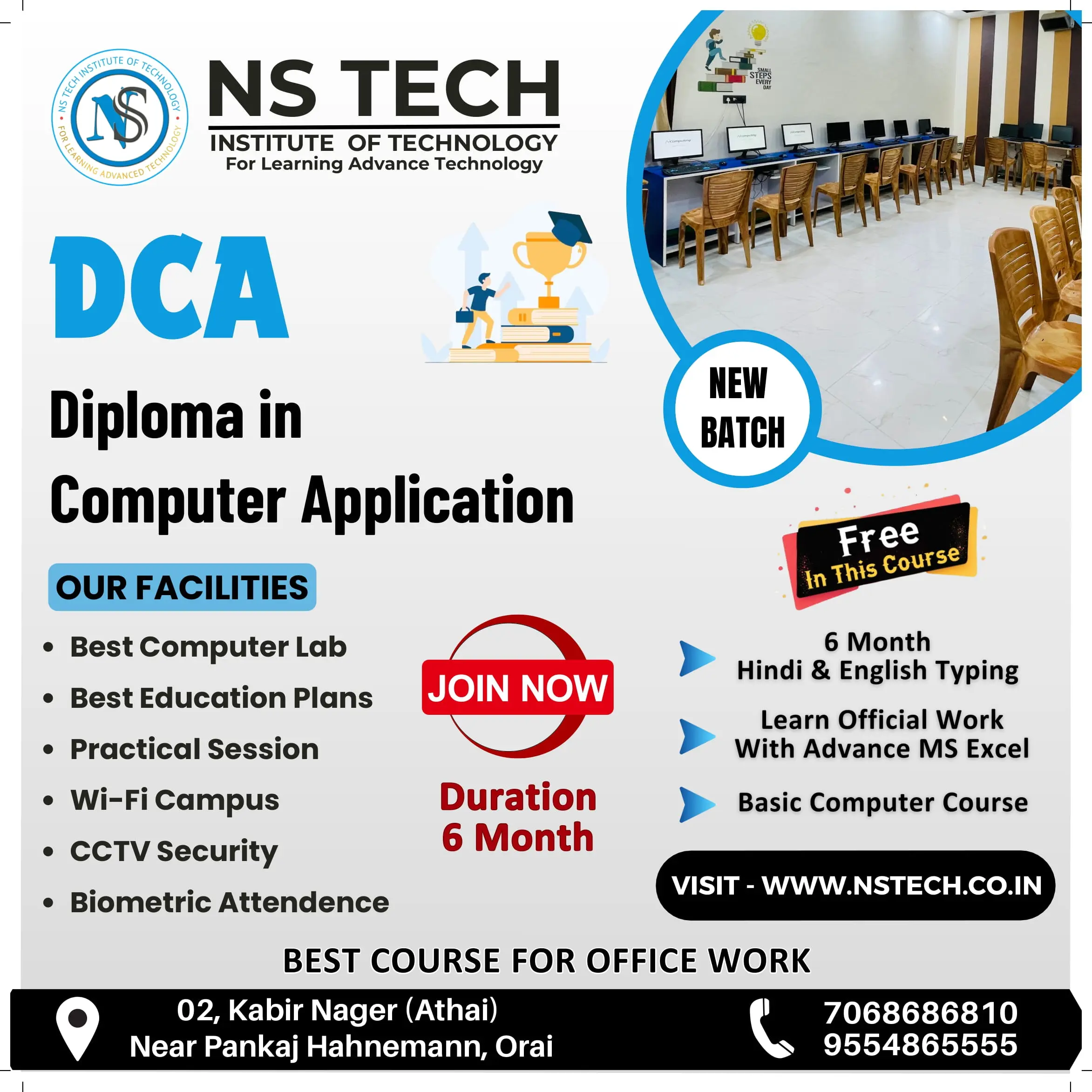
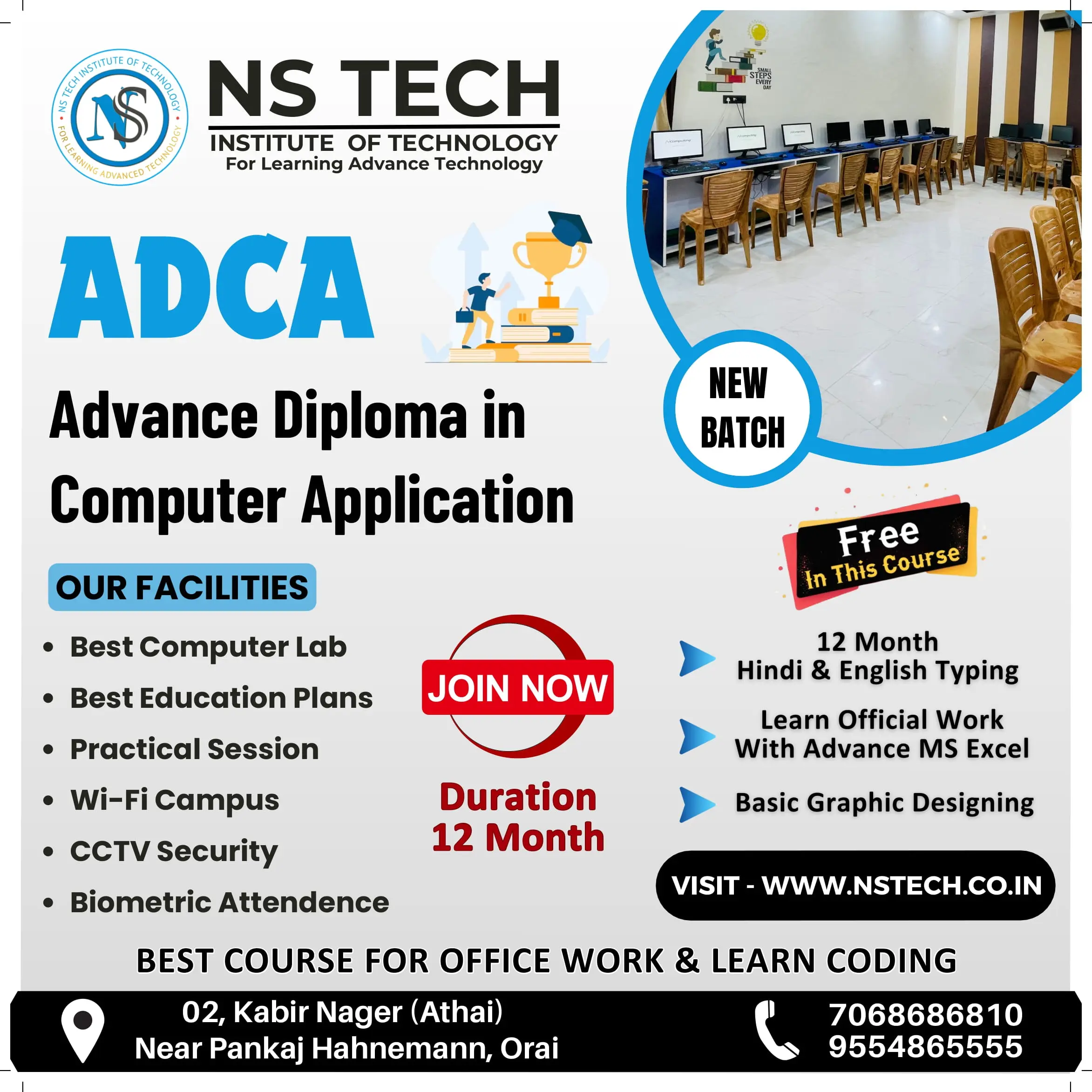
QUALIFICATION :- 10th CLASS
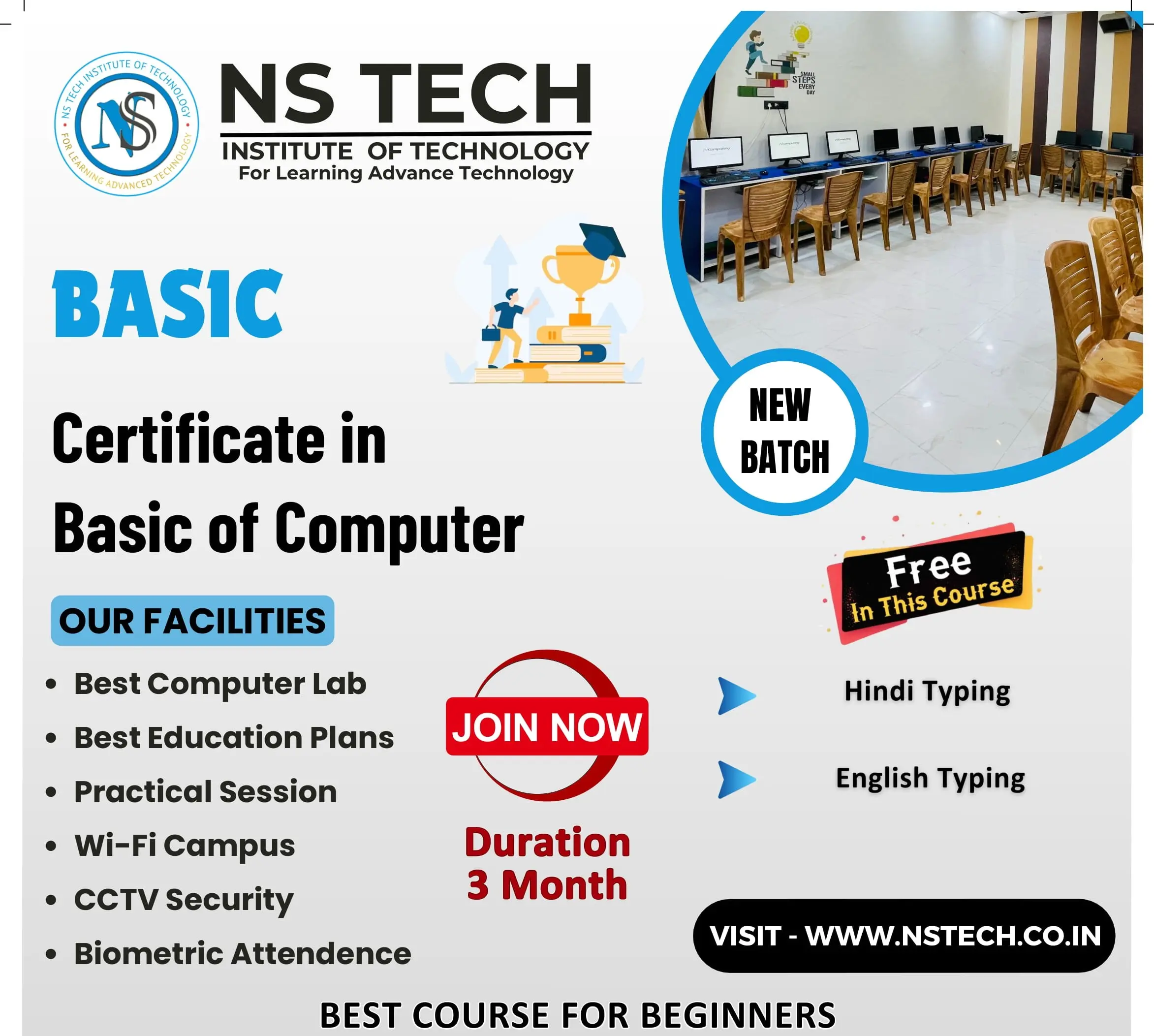
FUNDAMENTAL OF COMPUTER
1. Introduction : - What is computer, History of Computer, Shortcut Keys, Full form of Computer
2. Type of Computer : - Based on Mechanism, Based on Size, Based on Purpose
3. Components of PC : - Computer System, Computer Hardware and Software
4. Input/Output (I/O) Devices : - Input Devices, Output Devices
INTRODUCTION TO INTERNET
1. History of the WWW
2. LAN WAN & MAN
3. Creating an Email Account
4. Browsers and Search Engines
5. Surfing and Searching
OPERATING SYSTEM
1. Basics of Operating System
2. User Interface of OS
3. Operating System Simple Setting
4. File and Folder Management
5. Paint, Notepad & Wordpad
MS OFFICE
1. MS WORD : - Create Paragraph, Text Formatting, Change Case, Border, Page Border, Paragraph and Line Spacing, Styles & Editing, Create Table, Chart, Smart Art, Shapes, Hyperlink, Bookmark, Header & Footer, Text Box, Word Art, Object and Text from File, Page Setup, Page, Background, References, Mailings, Comment, Document View, Split Window, Show/Hide, Macro, Protect Document
2. MS EXCEL : - Introduction of Excel, Insert and Delete (Cells, Rows, Columns and Worksheet), Font, Alignment, Number Formatting, Hide & Unhide (Rows, Columns, Worksheet), Workbook, Worksheet and File Protect, Customization, Data Fill, Merge Cells, Conditional Formatting, Formatting, Split Window, Freeze Panes
EXCEL FORMULAS:- 30 Count
Math Function (Sum, Round, Int, Mode)
Stats Function (Count, Average, Max, Min)
Text Function (Upper, Lower, Proper)
Logical Function (If, Count If, Count Ifs, Sum If, Sum Ifs, Lookup, Vlookup, Hlookup
Salary Creation, Salary Distribution, Bussiness Recept slip, Mark Sheet
Sort, Filter, Group & Ungroup, Remove Duplicates
3. MS POWER POINT : - Create and Manage Presentations, Insert and Format Text, Shapes, and Images, Insert Tables, Charts, SmartArt and Media, Apply Transitions and Animations
BASIC OF COMPUTER HARDWARE
1. PC ASSEMBLY AND TROUBLESHOOTING
COMPUTER ASSEMBLY :- Open Case, Mount Motherboard, Mount Processor (CPU), Install CPU Cooler, Install Power Supply (PSU), Mount Memory (RAM), Install Graphics Card, Mount Storage Drives
TROUBLESHOOTING :- Locate the cause of a fault in a computer system and correct the relevant hardware and software issues.
Copyright © 2026 NSTIT. All Rights Reserved