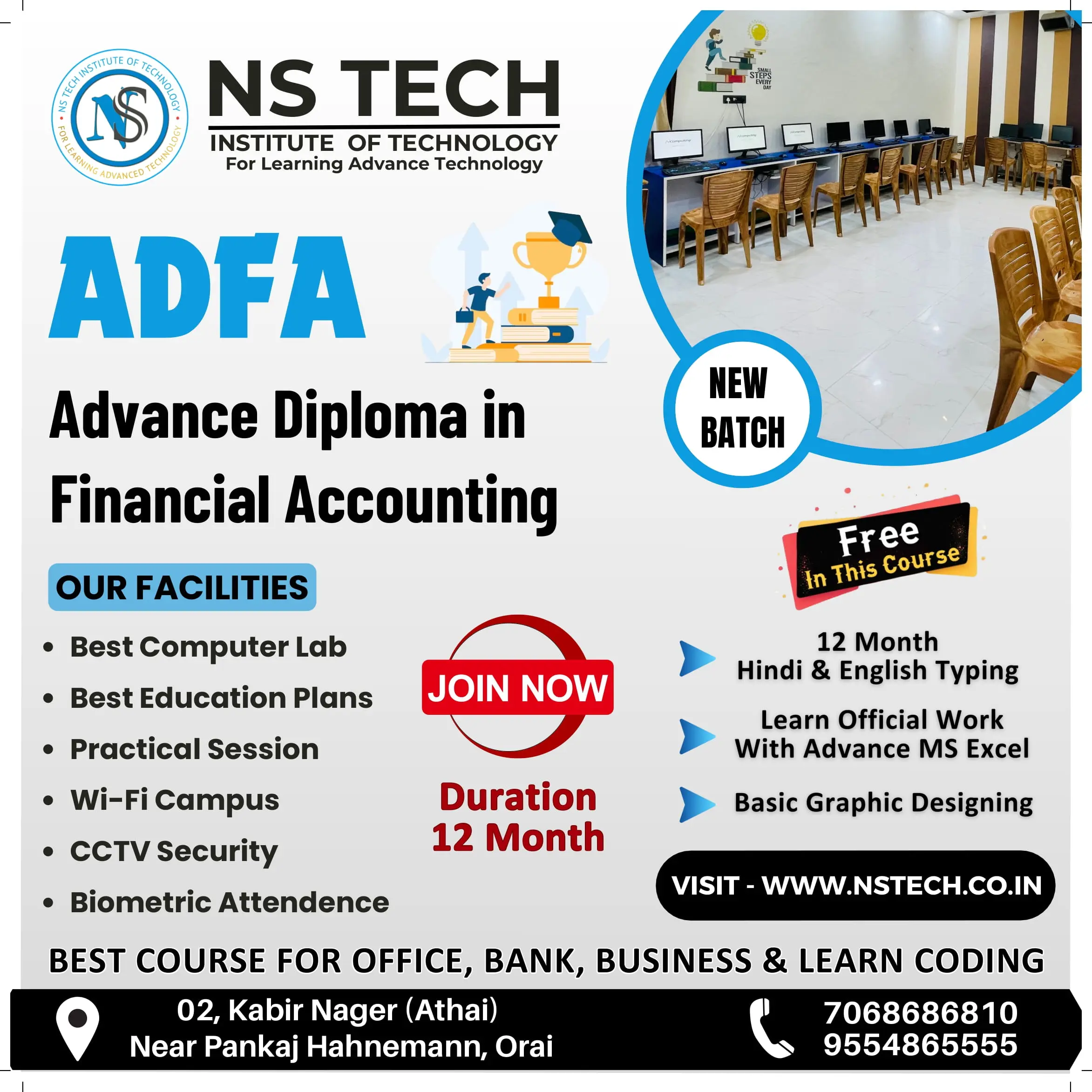
Excellent ADFA course with practical training, supportive teachers, and valuable accounting skills.

 Bestseller
FUNDAMENTALS OF COMPUTER
1. Introduction: - What a computer is, the history of Computer, shortcut keys, and the Full form of a computer
2. Type of Computer: - Based on Mechanism, Based on Size, Based on Purpose
3. Components of PC: - Computer System, Computer Hardware and Software
4. Input/Output (I/O) Devices: - Input Devices, Output Devices
INTRODUCTION TO INTERNET
1. History of the WWW
2. LAN, WAN & MAN
3. Creating an Email Account
4. Browsers and Search Engines
5. Surfing and Searching
OPERATING SYSTEM
1. Basics of Operating System
2. User Interface of OS
3. Operating System Simple Setting
4. File and Folder Management
5. Paint, Notepad & Wordpad
MS OFFICE
1. MS WORD : - Create Paragraph, Text Formatting, Change Case, Border, Page Border, Paragraph and Line Spacing, Styles & Editing, Create Table, Chart, Smart Art, Shapes, Hyperlink, Bookmark, Header & Footer, Text Box, Word Art, Object and Text from File, Page Setup, Page, Background, References, Mailings, Comment, Document View, Split Window, Show/Hide, Macro, Protect Document
2. MS EXCEL : - Introduction of Excel, Insert and Delete (Cells, Rows, Columns and Worksheet), Font, Alignment, Number Formatting, Hide & Unhide (Rows, Columns, Worksheet), Workbook, Worksheet and File Protect, Customization, Data Fill, Merge Cells, Conditional Formatting, Formatting, Split Window, Freeze Panes
EXCEL FORMULAS: 40+ Count
Math functions (Count, Average, Max, Min)
Text Function (Upper Functions (Sum, Round, Int, Mode))
(Stats: Funer, Lower, and Proper)
Logical Functions (If, Count If, Count Ifs, Sum If, Sum
(Ifs, Lookup, Vlookup, Hlookup)
Salary Creation, Salary Distribution, Business Receipt
Slip, and Mark Sheet
Sort, filter, group & ungroup, remove ungroup, and
Remove duplicates.
3. MS POWERPOINT: - Create and Manage Presentations, Insert and Format Text, Shapes, and Images, Insert Tables, Charts, SmartArt and Media, Apply Transitions and Animations
COMPUTERIZED ACCOUNTING WITH TALLY
Introduction of Tally: - Easy calculation of TDS (Tax Deducted at Source), interest calculation, maintaining balances bill by bill, purchase/sales orders, inventory reports, VAT (Value Added Tax), payroll, managing stocks, managing vouchers, daybook, and Display Balance Sheet.
GST & Taxation: - Goods and Services Tax (GST), Purchase Voucher with GST, Sales Voucher with GST, GST Returns and Payment
Ledgers & Vouchers: Payment Voucher, Receipt Voucher, Contra and Journal Voucher, Purchase Order Processing, Sales Order Processing, Debit and Credit Notes
Inventory & Stock: - Masters – Ledgers, Masters – Groups, Masters: Inventory, Stock Transfers
Balance sheet:- Batch-wise details, Purchase and Sales Reporting, Stock Analysis and Reports, Printing Reports
Profit & Loss
Payroll:- Payroll Accounting in Tally
HTML
1. INTRODUCTION OF HTML
2. INTRO TO HTML SYNTAX
CSS
1. Introduction to CSS
2. CSS Fundamentals
3. Flexbox Layout
4. Grid Layout
5. CSS Variables & Dark Mode
6. Transitions & Animations
7. Form & Component Styling
8. Mini projects like landing pages
PYTHON LANGUAGE
1. Introduction to Python
2. Python Basics (Syntax, Data Types, Control Flow)
3. Functions & OOP Concepts
4. File Handling (TXT, CSV, JSON)
5. Database Integration (MySQL, SQLite, MongoDB)
6. API Handling & Web Scraping
7. Flask / FastAPI (Mini Backend)
8. Testing & Project
ARTIFICIAL INTELLIGENCE (AI)
1. Introduction to AI
2. AI Tools & Platforms
3. Prompt Engineering
4. AI for Education

Excellent ADFA course with practical training, supportive teachers, and valuable accounting skills.

Excellent ADFA course with practical training, expert guidance, and supportive teachers.

Excellent ADCA course with practical computer training, knowledgeable teachers strong computer skils

Had a great learning experience with the ADCA course at NS Tech Institute.

Best ADCA course in Orai with excellent practical computer training at NSTIT.
Copyright © 2026 NSTIT. All Rights Reserved